When your thermostat suddenly stops working, it can create a frustrating situation, especially when you are completely dependent on it to keep your home comfortable. An Amazon thermostat not turning up can happen because of simple issues, which can often be fixed without professional help.
Read the blog to know about the Amazon smart thermostat won’t turn on – troubleshooting tips, common causes, and solutions.
Before jumping into fixes, here are a few common reasons you should know, as understanding the cause makes troubleshooting much easier. There is no power supply (often due to a missing C wire), tripped circuit breaker, loose or incorrect wiring, low battery or internal power issue or HVAC system malfunction.
The following are steps to troubleshoot the issue and turn on your Amazon smart thermostat easily. Let’s know about these steps in detail:
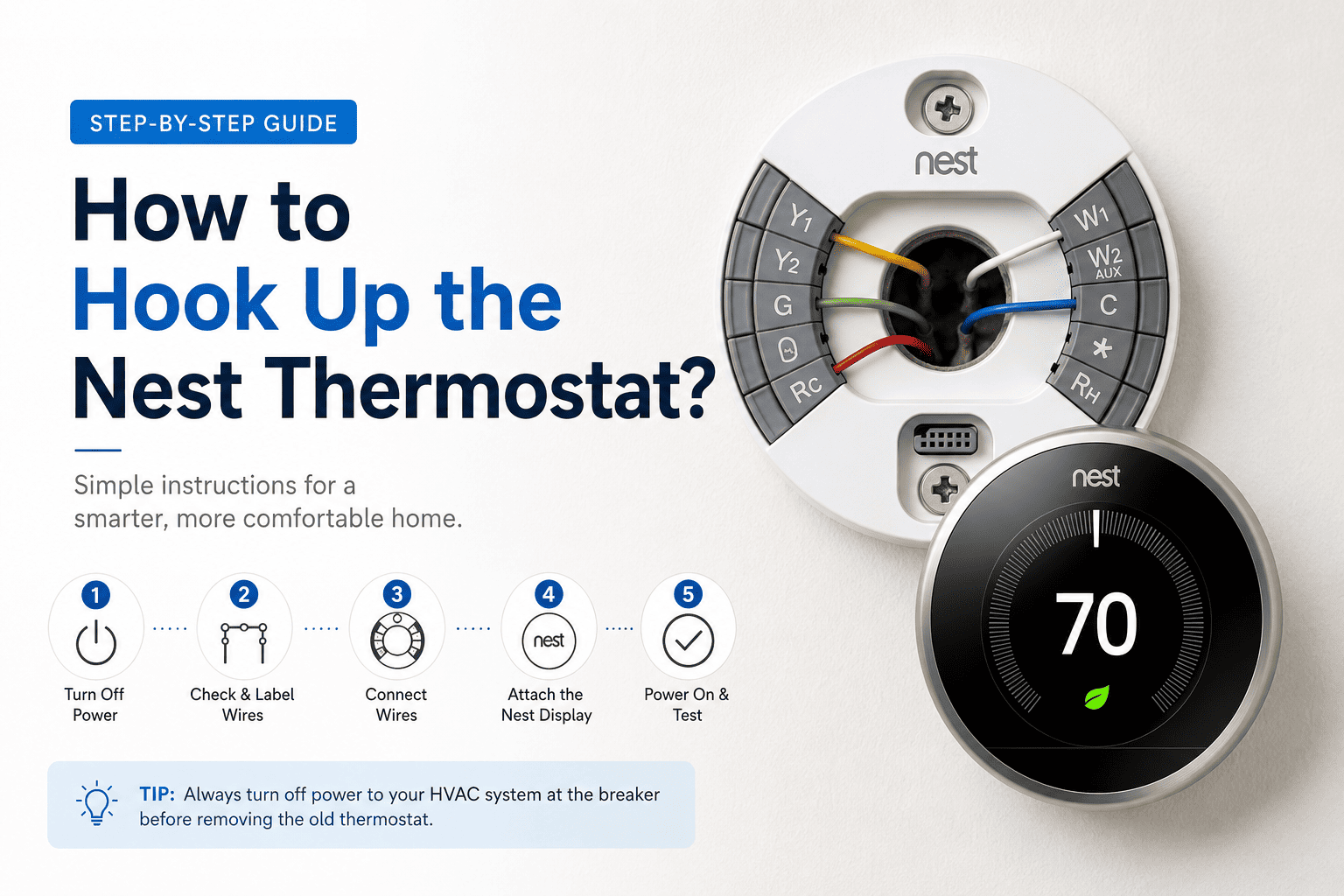
The Amazon Smart Thermostat usually needs a C wire for continuous power. If your system doesn’t have one, the thermostat may not turn on at all, which is why you need to check if a C wire is connected. If not, you can consider installing a C wire adapter if missing.
Sometimes, the main issue isn’t the thermostat, but it’s the power source. Go to your electrical panel, then look for a tripped breaker related to HVAC, and reset it if needed.
Homeowners don’t realise this, but loose or disconnected wires can prevent the device from powering up. Turn off power before checking, then remove the thermostat from the wall plate, and ensure all wires are firmly connected to the correct terminals.
If the thermostat isn’t seated correctly on its base, it may not receive power, which is why you need to reattach it securely and ensure the pins/connectors align properly.
A simple restart can sometimes fix power-related glitches. Consider turning off your HVAC system, then wait a few minutes, and then turn it back on.
It is crucial to understand that not all HVAC systems work smoothly with smart thermostats, which is why it is important to verify compatibility before installation and check if additional wiring or accessories are required or not.
If you’ve tried all the steps and your Amazon Smart Thermostat still won’t turn on, then you should call a technician if the following are true:
When your Amazon smart thermostat is not turning on, just understand that it can happen because of simple issues like power supply or some wiring issues. By following some basic steps, you can fix the problem easily without the need for a professional. However, it is always advised to ask for professional help if you need it.
If your Amazon smart thermostat is completely dead, it can happen because of lack of power, missing C wire, tripped breaker, wiring issue, etc.
Yes, the Amazon smart thermostat needs a C wire for continuous power and the proper functioning of the thermostat.
You can restart your Amazon smart thermostat by turning the power off from the breaker and restarting the system after a few minutes.