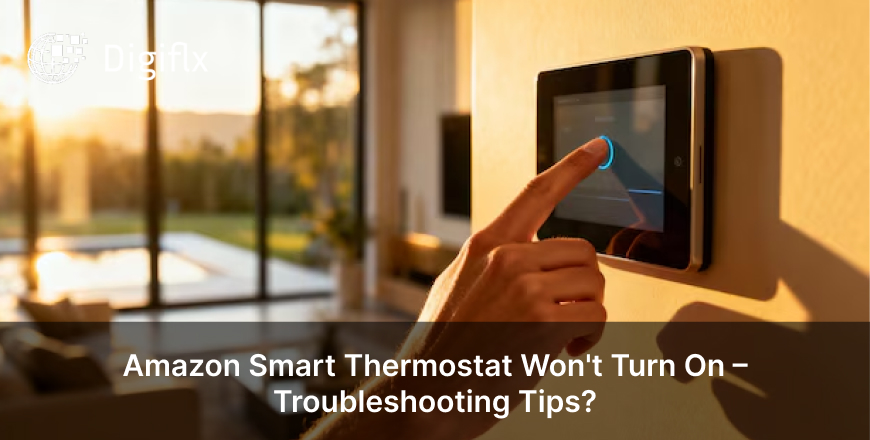
Do you say, “Hey Google”, and in return you get nothing? It is clearly understood how frustrating it can be when you command something to Google Home and, in return, it does not respond.
This is a common issue which can happen because of some simple settings or connectivity problems. Read the blog to know why is Google Home not responding to voice commands, common reasons, solutions, and more.
Before fixing the issue, it is necessary to know about some of the common issues why your Google Home is not responding:
It is crucial to understand that your Google Home won’t respond if the mic is off, which is why it is necessary to look for the microphone switch on the device or turn it back on if it’s disabled.
Google Home relies on Wi-Fi to process voice commands, which is why you need to check your Wi-Fi connection and restart your router if needed, or move the device closer to the router.
It is not always a technical issue. Sometimes, you need to speak naturally and clearly, avoid the background noise, and place the device in an open area.
It is seen that a quick restart can often fix temporary glitches, which is why you need to unplug your Google Home and then wait 30–60 seconds and then plug it back in.
If Google Home doesn’t recognise your voice, it may ignore commands, which is why you need to open the Google Home app and retrain Voice Match. Also, make sure your account is linked.
It is seen that outdated software can cause issues, which is why you need to update the Google Home app and ensure that your device's software is up-to-date.
The following points can guide you to know that there is a problem with your Google Home.
You should factory reset your device only when nothing works and you find resetting as the last option, as after resetting the device, you’ll need to set up your Google Home again.
To fix the issue of Google Home not responding to voice commands is simple; you just need to check the mic, Wi-Fi, and settings. Most of the issues are easy to solve without any technical help; however, if you still feel that you need professional help to get your smart assistance to respond like normal again, then go for it.
1. Why does Google Home hear me but not respond?
When your Google Home hears you but doesn’t respond, this can happen because of weak internet, server delays, or some voice match issues. You can restart your device to fix this issue.
2. Can Wi-Fi issues affect Google Home responses?
Yes, Wi-Fi issues affect Google Home responses because of a poor or unstable connection, which can prevent the device from processing voice commands.
3. Why does Google Home respond slowly?
Google Home often responds slowly because of network lag, outdated software, too many connected devices, or more.