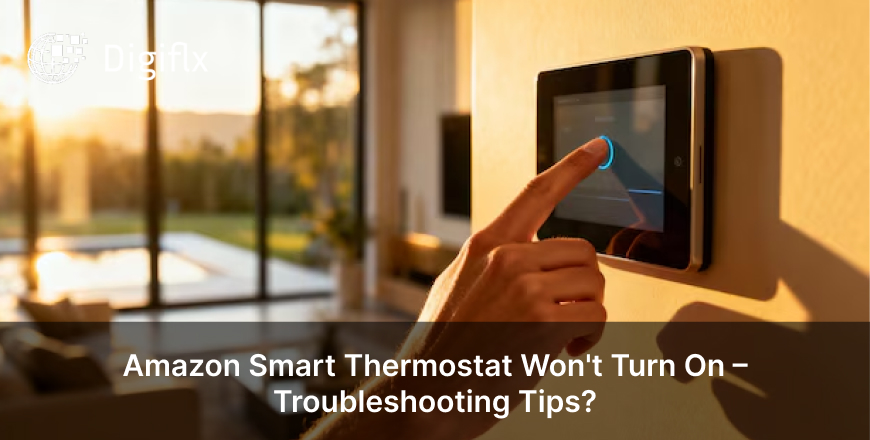
Have you noticed that your thermostat screen is blank for too long? This issue is a matter of concern. But do you know that you can fix this issue by yourself also?
If you want to know how to fix Honeywell thermostat blank screen, then read this blog till the end, as you’ll get to know about the following:
Before fixing any issue, it is crucial to understand how and why it happened, as it provides us with a clear insight. The following are some common reasons for a Honeywell thermostat blank screen:
1. Check Batteries
It is the most common cause of the thermostat showing a blank screen. Try putting in new batteries, and be sure to change them once a year.
2. Inspect the Circuit Breaker
Be sure to check your circuit breaker; if it is broken, replace it, as a tripped breaker cuts off the power supply to the thermostat, which often results in a blank screen.
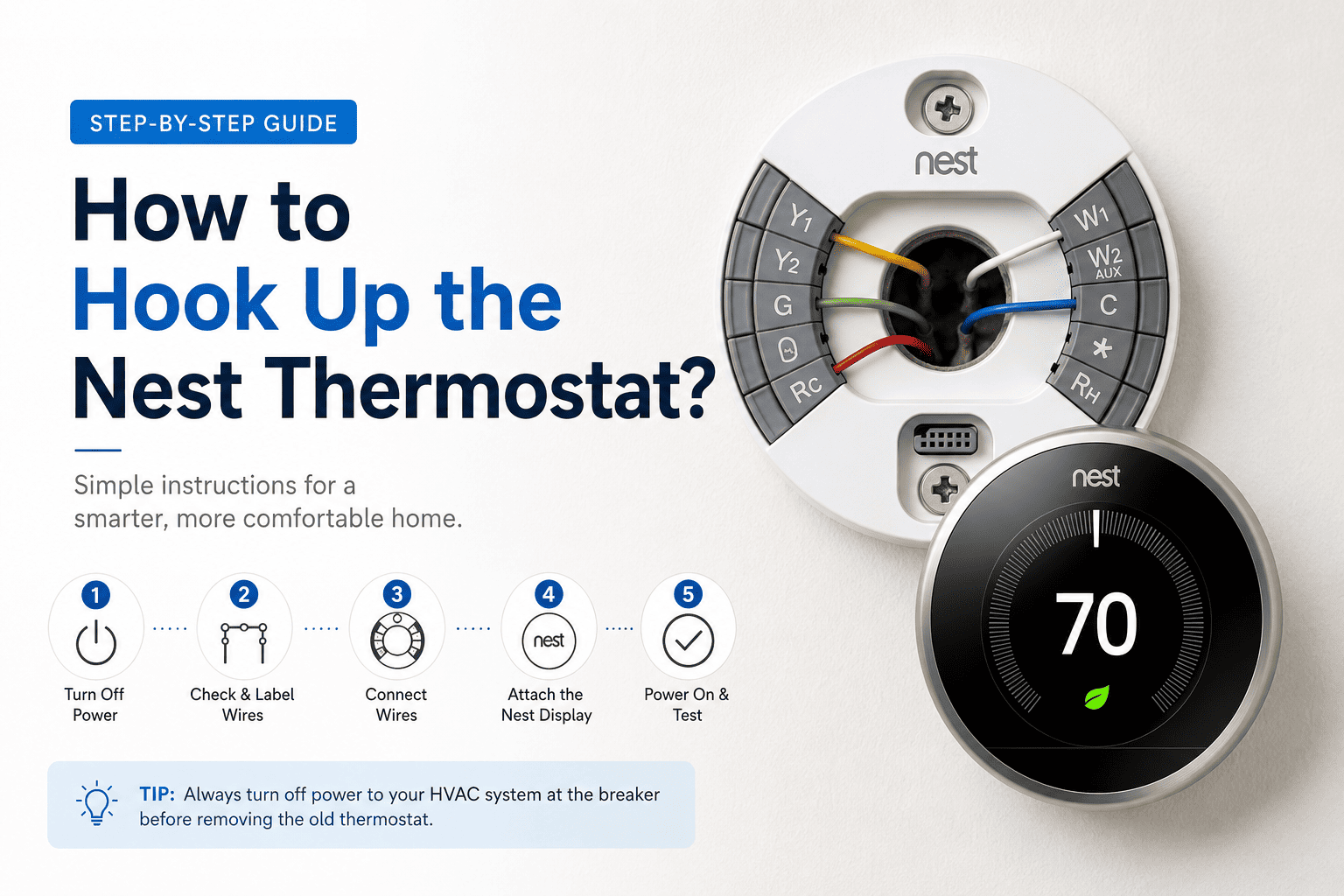
3. Check the Wiring
Another common reason why your thermostat is showing a blank screen can be because of loose or damaged wiring. Reattach the wirings if possible, or else you can contact a technician.
4. Ensure the Proper Installation
Another reason why your thermostat shows a blank screen can be because of poor installation. You can remove and reattach the thermostat to the wall plate; however, it is advised to take professional help in this case.
5. Reset the Thermostat
A thermostat showing a blank screen can also happen because of some technical glitches, which is why you can perform a general restart to see if it works. You can check the manual if needed.
If you have followed all the steps and your thermostat is still stuck on a blank screen, then the following are some points where you should seek professional help:
Final Thoughts
We totally understand that the thermostat showing a blank screen creates an unsettling situation; however, we advise you to follow some simple steps as mentioned in the blog before calling a technician, as these steps won’t take much time and mostly fix the issues without the need for professional help.