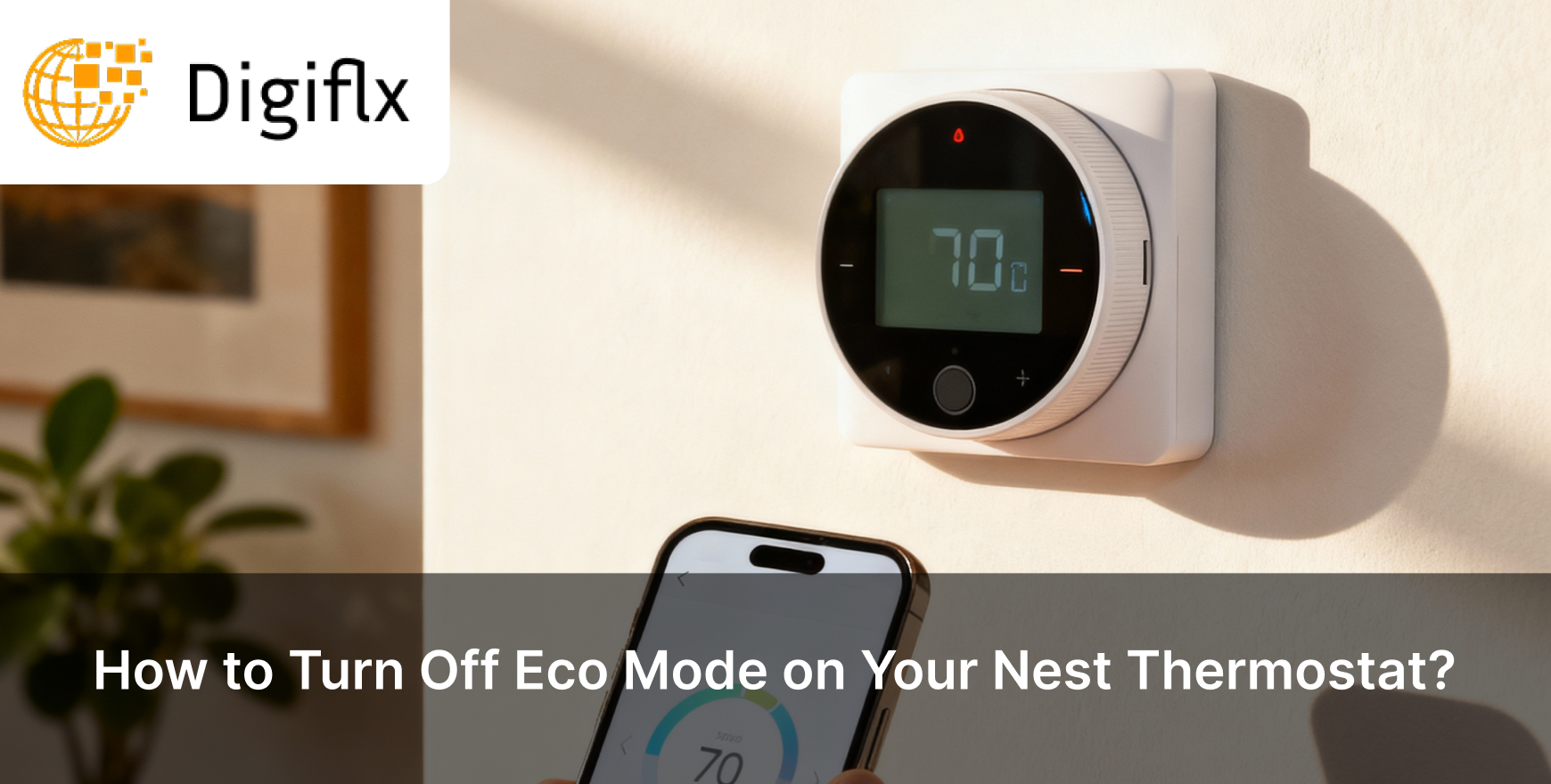
Do you feel that your home is suddenly too warm or too cold? The possible reason can be that your Nest thermostat is in eco mode. When a thermostat goes into eco mode, it focuses on saving energy, which often neglects comfort.
You can always turn off the eco mode and get the perfect temperature back. If you want to know how to turn off eco mode on your Nest Thermostat, then read this blog till the end, as you’ll get to know about the following:
Eco mode on Nest Thermostat is designed to save energy when you’re not at home. In eco mode the thermostat doesn’t maintain the usual temperature; instead, it adjusts to an energy-saving range. The thermostat turns on the eco mode when it senses that no one is around to reduce unnecessary heating or cooling.
Eco mode is the best way to save up on your energy bills; however, it can make your home sometimes feel a bit too cold or too warm when you come back.
Many people often don't realise when they should turn off eco mode in the Nest thermostat. Read the following to know:
There are 3 methods to turn off Eco mode; these include turning it off on the thermostat, using the Nest app, and disabling auto eco. Let’s know about them in detail:
Method 1: Turning Off Eco Mode on The Thermostat
Method 2: Use The Nest App
Method 3: Disable Auto Eco
Eco mode on Nest thermostat helps in saving energy; however, your comfort should be your priority. If you feel your home is too hot or too cold according to your body temperature, you can always turn it off in just a few taps on the screen or app. After turning off the eco mode, you can control the temperature of your house as you want.
This is not it; you can explore various other smart features to balance the comfort and adjust the overall setting in a way that suits your everyday routine so your home feels like how you need it.
If your Nest Thermostat is going into the eco mode, it can happen because Home/Away Assist detects no activity. If you disable this feature, it can stop eco mode from turning on automatically.
Yes, turning off Eco mode can slightly increase energy bills, as Eco mode is designed to save energy, which is why turning it off may increase the energy usage.
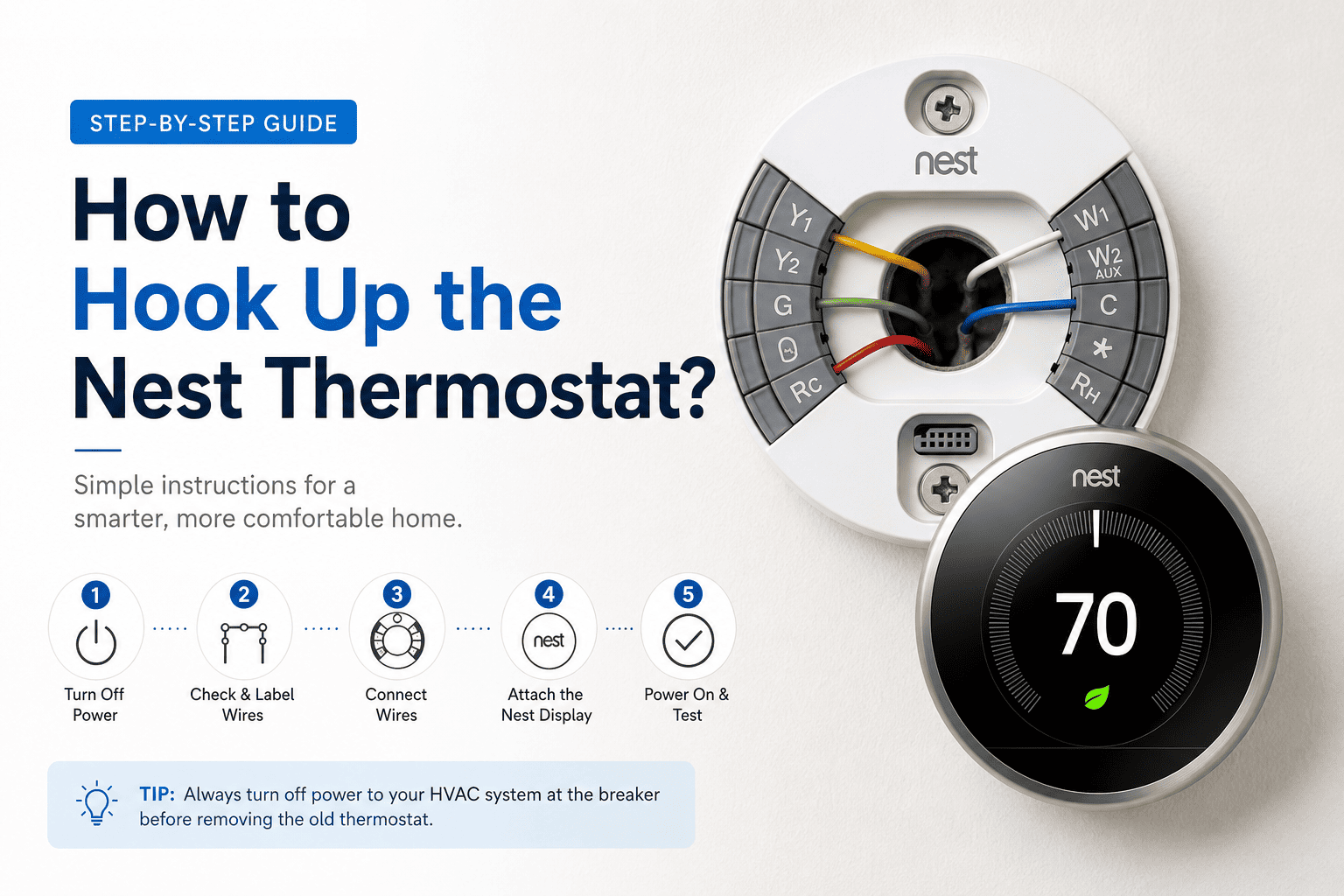
To know if eco mode is one, you’ll need to search for an eco icon or a leaf symbol on your thermostat display or in the app when it is working.